The tool question that doesn’t have a simple answer
“What tool should my team use?” sounds like a simple question. It isn’t. Most managers end up with three or four tools running simultaneously — email for external, WhatsApp for quick messages, maybe Slack for internal chat, and a spreadsheet tracker bolted on top. The result is fragmentation, not efficiency.
This guide cuts through the noise. Below is an honest breakdown of what each category of tool is actually built for, where it breaks down as teams grow, and how to make the call for your specific situation.
Category 1: Email
What it’s built for
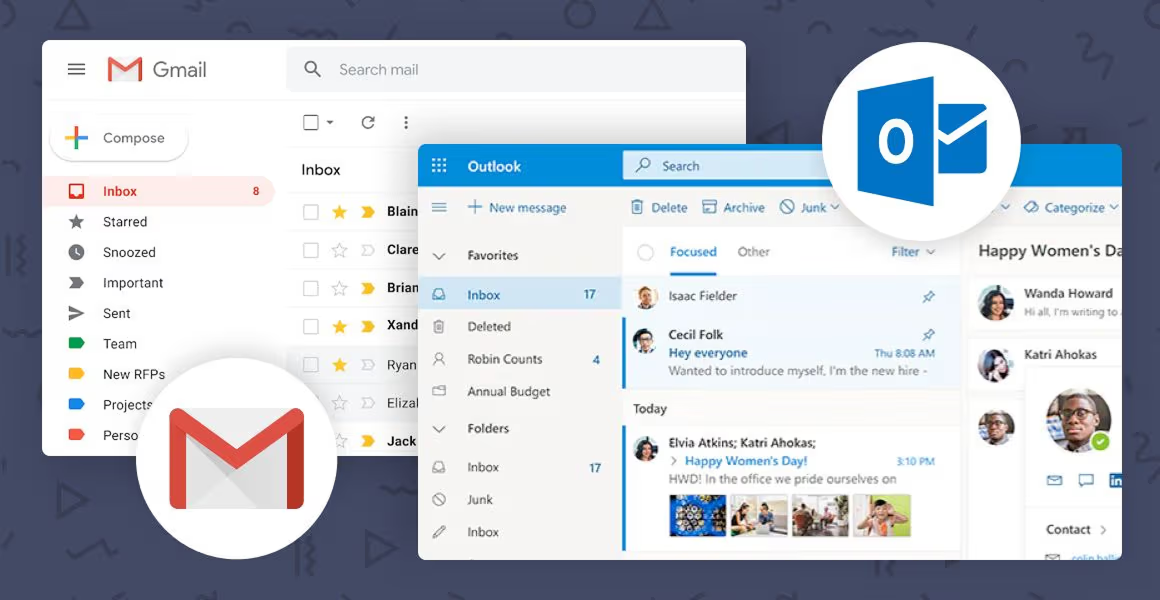
Email is the gold standard for external communication, formal documentation, and asynchronous messages that require a paper trail. It’s universal, structured, and nobody needs to be trained on it.
Where it breaks down for team work
- Threads become impossible to follow once multiple people reply and CC chains split.
- There’s no native task ownership — action items buried in email routinely get dropped.
- Searching for context across hundreds of emails is slow and error-prone.
- New team members have no way to see history or background on a topic.
Email is a communication tool, not a work management system. Using it as one creates invisible work — decisions that happened but weren’t captured, tasks that were assigned but not tracked, progress that nobody can see.
Category 2: Messaging apps (WhatsApp, iMessage, Telegram)
What they’re built for
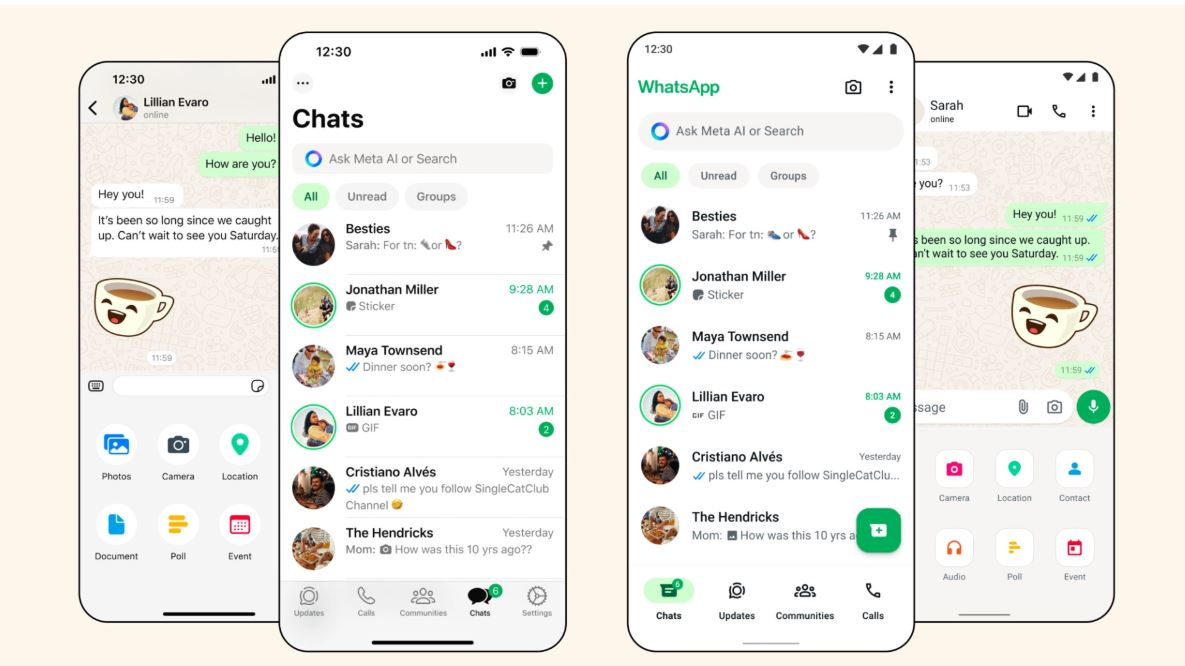
Personal messaging apps are fast, familiar, and require zero adoption effort. For a team of three people who already know each other, they work fine.
Where they break down
- Messages scroll off. Context gets lost within days.
- There’s no way to see all open tasks or who’s working on what.
- Work and personal life blur — creating availability pressure and burnout risk.
- No audit trail for decisions or approvals, which creates compliance exposure.
Consumer messaging apps were built for personal conversation. They were never designed for accountability, task tracking, or organizational visibility. When teams hit even 10 to 15 people, the cracks become critical.
Category 3: Business chat tools (Slack, Microsoft Teams)
What they’re built for
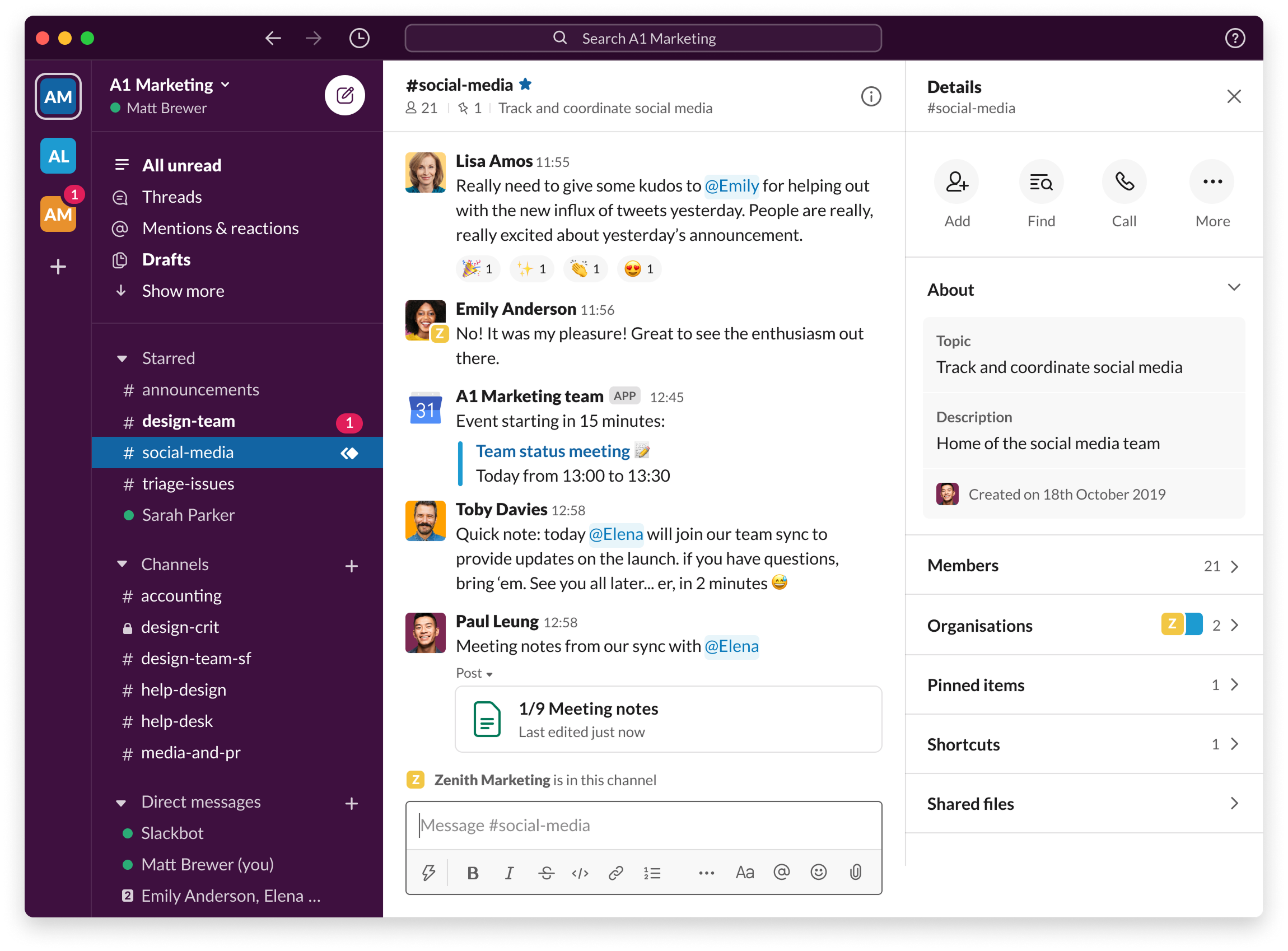
Business chat platforms excel at real-time conversation, searchable message history, and integrations with other tools. They’re a genuine upgrade from WhatsApp for internal communication.
Where they break down
- Chat still can’t answer “who’s doing what by when” — that requires structured task ownership, not threads.
- Notifications create the same interruption pressure as messaging apps.
- Work still gets lost in channels, especially for teams without strict channel discipline.
- Managers still end up chasing updates — just in a slightly more organized way.
Business chat is better communication infrastructure, not work infrastructure. Teams that switch from WhatsApp to Slack often find they’ve improved the experience without solving the underlying visibility problem.
Category 4: Work management tools
What they’re built for
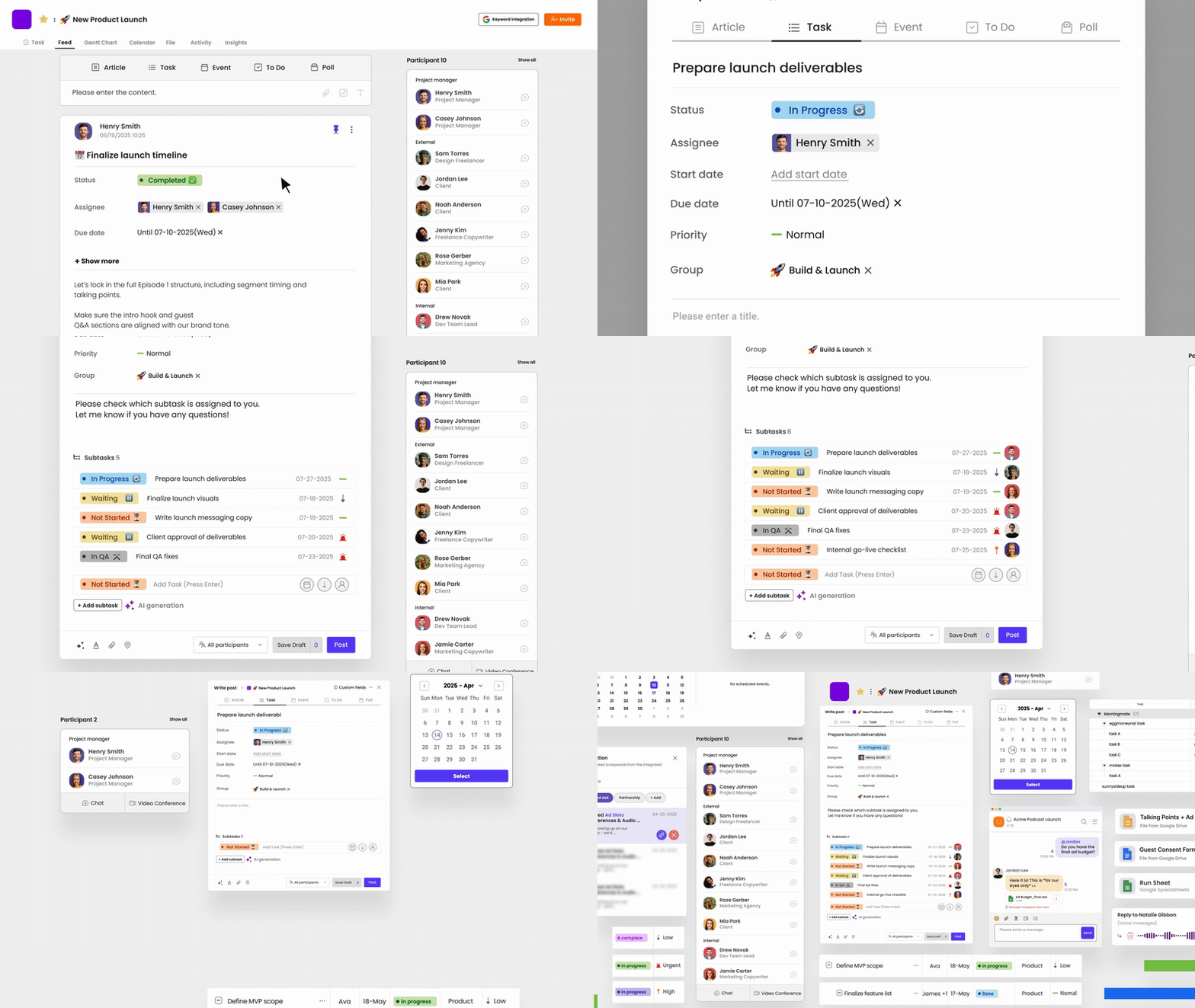
Work management platforms are designed to answer one question that no chat or email tool can reliably answer: who is doing what, by when, and what’s the current status? They centralize tasks, assign ownership, track progress, and surface blockers before they become problems. MorningMate takes this a step further by combining task management with built-in team chat — so your communication and your work live in the same place, and nothing important stays buried in a thread.
Where they break down
- Heavy platforms (Jira, Asana at scale, Monday with full configuration) can be overkill for non-technical teams.
- Adoption fails when the tool feels like extra work rather than less work.
- When teams still use chat as their primary communication channel, the work management tool becomes an afterthought.
The key is finding a work management tool that integrates naturally with how your team already communicates — not one that requires replacing everything.
How to choose: a decision matrix
Use this framework based on your team’s current situation:
- Team under 5 people, low coordination complexity: Email + messaging app is probably fine for now.
- Team of 5 to 15, frequent context-switching across projects: A business chat tool plus a lightweight task tracker.
- Team of 15+ or multiple concurrent projects: A unified work management platform with built-in communication is worth the investment.
- Non-technical team that needs something everyone will actually use: Prioritize simplicity and adoption over feature depth.
- HR or Ops function handling sensitive approvals: You need documented audit trails — consumer apps and basic chat won’t cut it.
The real question isn’t which tool — it’s which combination
Most teams don’t need to replace everything. They need to be intentional about what each tool is for. Email for external. Chat for quick questions and real-time conversation. Work management for tasks, ownership, deadlines, and visibility. When each tool has a defined role, the fragmentation problem solves itself.
The teams that struggle aren’t using the wrong tools. They’re using the right tools for the wrong jobs.